> ## Documentation Index
> Fetch the complete documentation index at: https://docs.kaleidoswap.com/llms.txt
> Use this file to discover all available pages before exploring further.
# Enable the KaleidoMind Brain
> Turn on the local AI brain in the KaleidoSwap Desktop App — app modes, on-device models, privacy, and scheduling autonomous tasks with risk limits
KaleidoMind is an experimental preview. Behavior changes between releases, and autonomous tasks should stay in dry-run until you have verified the setup.
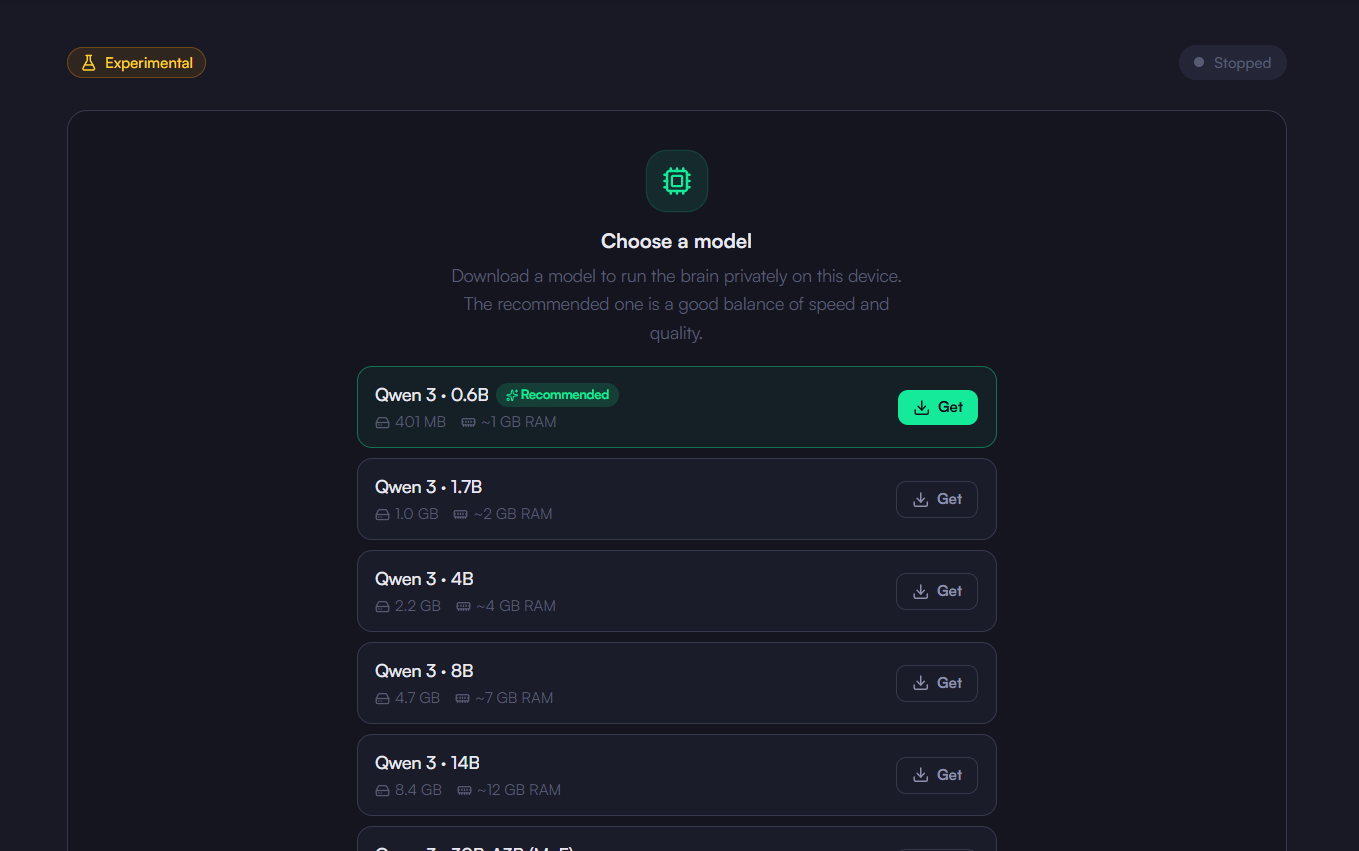
The brain is the reasoning engine behind [Chat](/desktop-app/kaleidomind/chat). It runs **on your device**: the model, the tool calls, and the reasoning all stay local, so no wallet or node data leaves the machine.
## Turning It On
Choose an app mode in **Settings > Capabilities**:
| Mode | What runs |
| --------------- | ----------------------------------------------------------------------- |
| **Node + Mind** | The wallet and node together with the local brain — the full experience |
| **Only Node** | Just the RGB Lightning Node, channels, and swaps. No AI |
| **Only Mind** | Just the local brain, no node required |
On first enable the app downloads the runtime and model assets it needs. They ship for macOS, Windows (x64), and Linux.
 ## How It Reaches Your Wallet
The brain does not touch your keys. It reads balances, channels, and quotes — and drafts payments and swaps — through the KaleidoSwap [MCP server](/ai-tools/mcp-servers), the same typed tool surface any other MCP client would use.
Because every fund-moving tool is marked as requiring confirmation in that contract, the engine has to stop and ask. Read operations run freely; spends do not.
## Autonomy
The **Agent** tab schedules the brain to run optimizer tasks on its own — portfolio and DCA-style routines — rather than waiting for you to ask.
* Tasks carry **risk limits**, and **dry-run is the default**: the run happens, the decision is made, nothing executes
* Recent runs and their costs are reviewable after the fact
Leave dry-run on until you have watched a few runs and agree with what they decided.
## How It Reaches Your Wallet
The brain does not touch your keys. It reads balances, channels, and quotes — and drafts payments and swaps — through the KaleidoSwap [MCP server](/ai-tools/mcp-servers), the same typed tool surface any other MCP client would use.
Because every fund-moving tool is marked as requiring confirmation in that contract, the engine has to stop and ask. Read operations run freely; spends do not.
## Autonomy
The **Agent** tab schedules the brain to run optimizer tasks on its own — portfolio and DCA-style routines — rather than waiting for you to ask.
* Tasks carry **risk limits**, and **dry-run is the default**: the run happens, the decision is made, nothing executes
* Recent runs and their costs are reviewable after the fact
Leave dry-run on until you have watched a few runs and agree with what they decided.