> ## Documentation Index
> Fetch the complete documentation index at: https://docs.kaleidoswap.com/llms.txt
> Use this file to discover all available pages before exploring further.
# Welcome to KaleidoSwap
> Trade RGB assets on the Lightning Network — desktop, browser, and beyond
 KaleidoSwap is an open-source platform for trading RGB assets on the Lightning Network. Use the **desktop application** for full node control and atomic swaps.
Full-featured trading with atomic swaps, node management, and channel control
***
## Why KaleidoSwap?
Trade RGB assets (USDT, XAUT, and more) with instant settlement on the Lightning Network — powered by atomic swaps on the desktop app
Your keys, your coins. No accounts, no intermediaries — just connect your wallet or run your own node
Fully open-source with MIT license. Inspect the code, contribute, or build your own integration
Available for macOS, Windows, and Linux
***
## Platform Overview
KaleidoSwap is an open-source platform for trading RGB assets on the Lightning Network. Use the **desktop application** for full node control and atomic swaps.
Full-featured trading with atomic swaps, node management, and channel control
***
## Why KaleidoSwap?
Trade RGB assets (USDT, XAUT, and more) with instant settlement on the Lightning Network — powered by atomic swaps on the desktop app
Your keys, your coins. No accounts, no intermediaries — just connect your wallet or run your own node
Fully open-source with MIT license. Inspect the code, contribute, or build your own integration
Available for macOS, Windows, and Linux
***
## Platform Overview
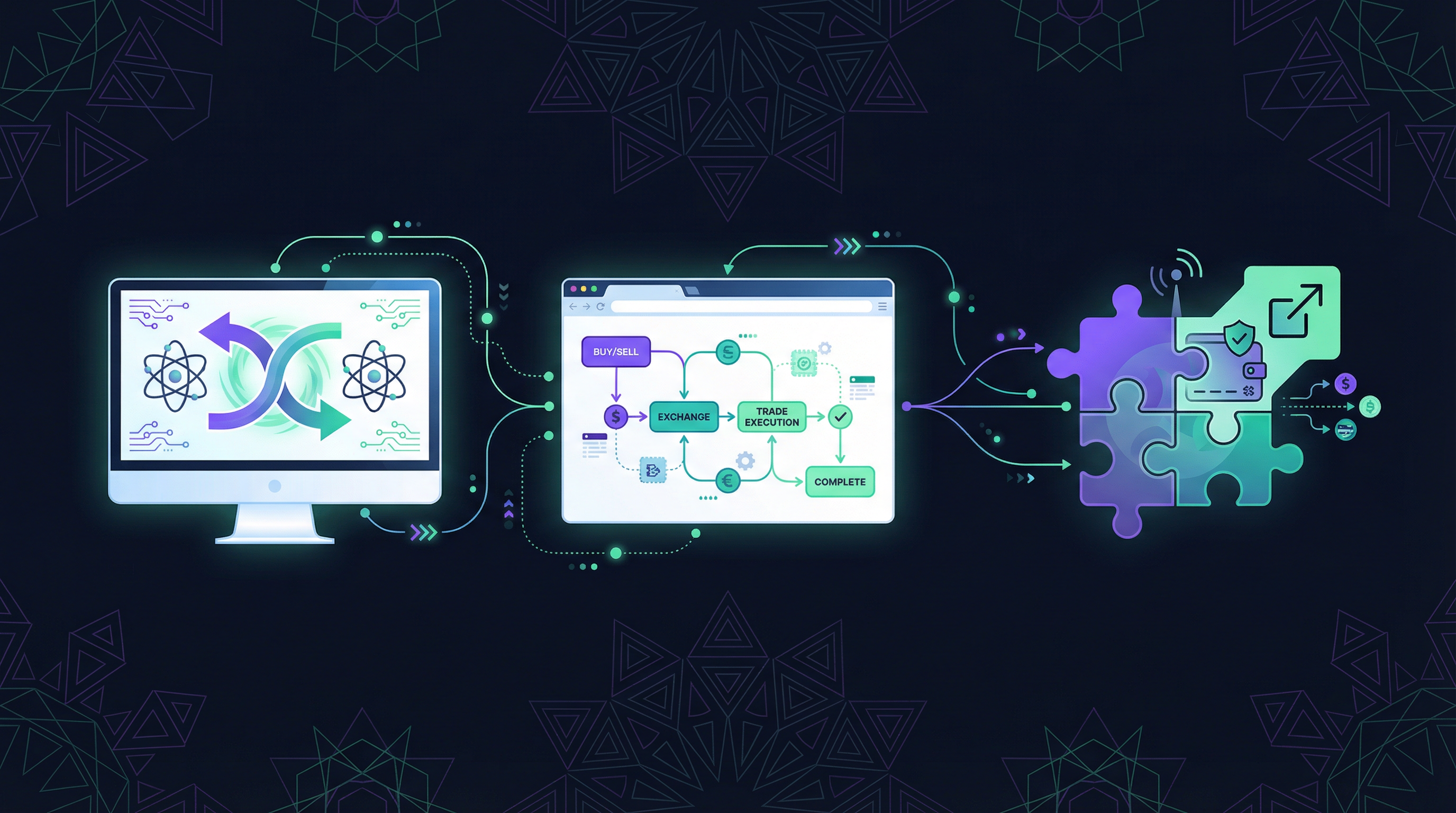 | | Desktop App |
| -------------- | ----------------------------------------------------- |
| **Swap Model** | Atomic swaps |
| **Node** | Self-hosted or remote |
| **Wallet** | Built-in |
| **Best For** | Power users, node operators |
| **Install** | [Download](/desktop-app/getting-started/installation) |
***
## How It Works
| | Desktop App |
| -------------- | ----------------------------------------------------- |
| **Swap Model** | Atomic swaps |
| **Node** | Self-hosted or remote |
| **Wallet** | Built-in |
| **Best For** | Power users, node operators |
| **Install** | [Download](/desktop-app/getting-started/installation) |
***
## How It Works
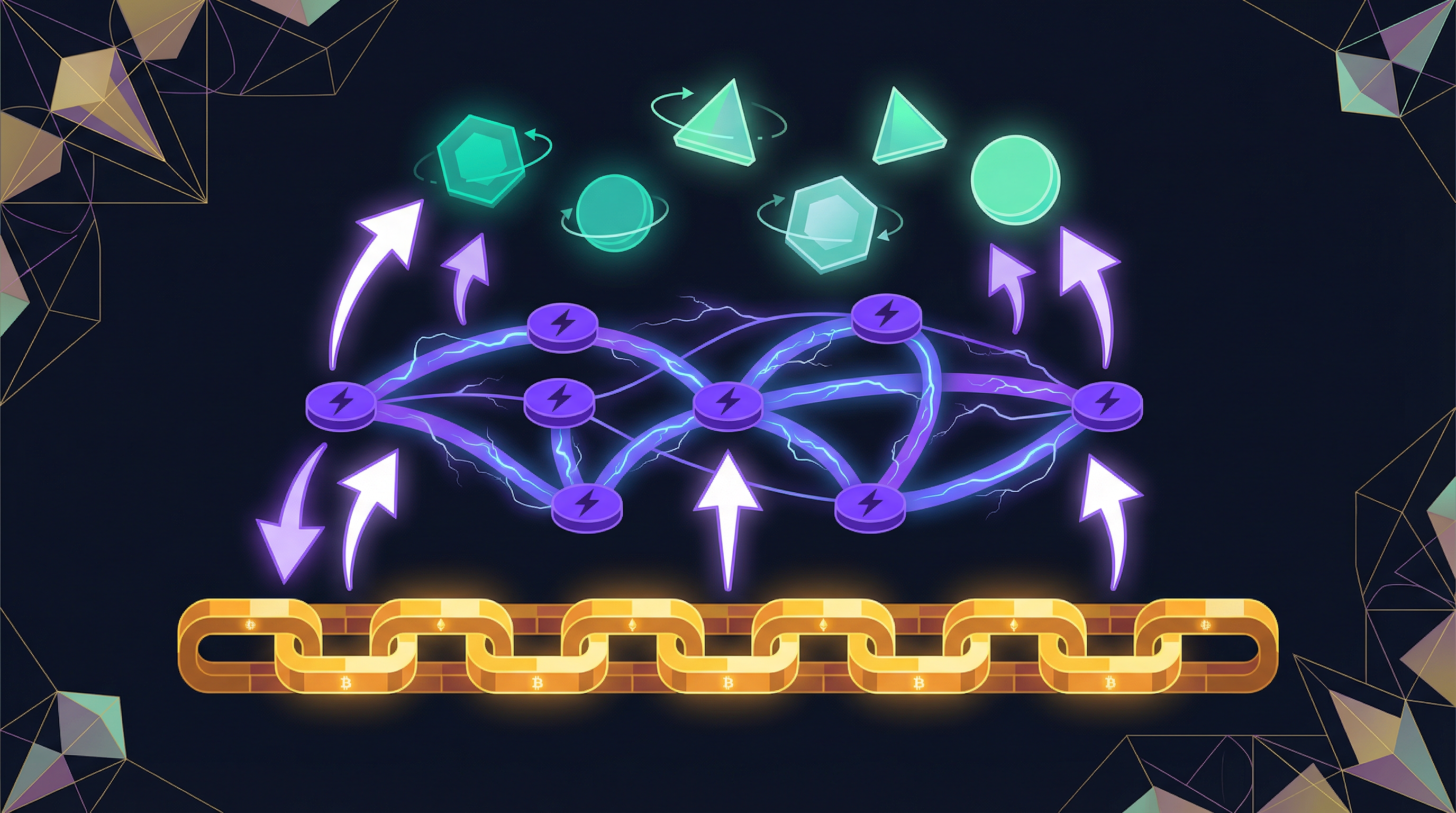 KaleidoSwap combines three technologies to enable fast, private, and scalable asset trading:
Client-validated smart contracts on Bitcoin. Assets use client-side validation to keep data off-chain while anchoring to Bitcoin for security — no blockchain bloat, full privacy.
Second-layer payment channels for instant, low-cost transactions. Swaps settle in milliseconds with fees measured in satoshis.
LSPs provide channel liquidity and routing. Connect to an LSP and start trading without managing infrastructure.
***
## Getting Started
Download for macOS, Windows, or Linux.
[Installation Guide →](/desktop-app/getting-started/installation)
Generate a new wallet and save your recovery phrase.
[Wallet Setup →](/desktop-app/wallet/creating-wallet)
Fund your wallet and open Lightning channels.
[Deposit Guide →](/desktop-app/wallet/deposits) · [Channel Guide →](/desktop-app/channels/opening-channel)
Execute atomic swaps with RGB assets.
[Trading Guide →](/desktop-app/trading/asset-swaps)
***
## Documentation
Architecture, key concepts, and how everything fits together
TypeScript and Python SDKs for building on KaleidoSwap
REST API docs with interactive playground
Full desktop app docs: nodes, wallets, channels, and trading
***
## For Developers
Build on KaleidoSwap with our SDKs and APIs:
```typescript TypeScript theme={null}
import { KaleidoClient } from 'kaleido-sdk';
const client = KaleidoClient.create({
baseUrl: 'https://api.signet.kaleidoswap.com'
});
// Get available trading pairs
const pairs = await client.maker.listPairs();
// Get a quote
const quote = await client.maker.getQuote({
from_asset: { asset_id: 'BTC', layer: 'BTC_LN', amount: 100000 },
to_asset: { asset_id: 'USDT', layer: 'RGB_LN' }
});
```
```python Python theme={null}
from kaleido_sdk import KaleidoClient
client = KaleidoClient.create(
base_url="https://api.signet.kaleidoswap.com"
)
# Get available trading pairs
pairs = client.maker.list_pairs()
# Get a quote
quote = client.maker.get_quote({
"from_asset": {"asset_id": "BTC", "layer": "BTC_LN", "amount": 100000},
"to_asset": {"asset_id": "USDT", "layer": "RGB_LN"}
})
```
Full SDK reference, examples, and best practices
REST endpoints and swap protocol details
***
## Community & Support
Join our community chat
Follow us for updates
Contribute to the project
KaleidoSwap is open-source software licensed under the [MIT License](https://github.com/kaleidoswap/desktop-app/blob/main/LICENSE).
KaleidoSwap combines three technologies to enable fast, private, and scalable asset trading:
Client-validated smart contracts on Bitcoin. Assets use client-side validation to keep data off-chain while anchoring to Bitcoin for security — no blockchain bloat, full privacy.
Second-layer payment channels for instant, low-cost transactions. Swaps settle in milliseconds with fees measured in satoshis.
LSPs provide channel liquidity and routing. Connect to an LSP and start trading without managing infrastructure.
***
## Getting Started
Download for macOS, Windows, or Linux.
[Installation Guide →](/desktop-app/getting-started/installation)
Generate a new wallet and save your recovery phrase.
[Wallet Setup →](/desktop-app/wallet/creating-wallet)
Fund your wallet and open Lightning channels.
[Deposit Guide →](/desktop-app/wallet/deposits) · [Channel Guide →](/desktop-app/channels/opening-channel)
Execute atomic swaps with RGB assets.
[Trading Guide →](/desktop-app/trading/asset-swaps)
***
## Documentation
Architecture, key concepts, and how everything fits together
TypeScript and Python SDKs for building on KaleidoSwap
REST API docs with interactive playground
Full desktop app docs: nodes, wallets, channels, and trading
***
## For Developers
Build on KaleidoSwap with our SDKs and APIs:
```typescript TypeScript theme={null}
import { KaleidoClient } from 'kaleido-sdk';
const client = KaleidoClient.create({
baseUrl: 'https://api.signet.kaleidoswap.com'
});
// Get available trading pairs
const pairs = await client.maker.listPairs();
// Get a quote
const quote = await client.maker.getQuote({
from_asset: { asset_id: 'BTC', layer: 'BTC_LN', amount: 100000 },
to_asset: { asset_id: 'USDT', layer: 'RGB_LN' }
});
```
```python Python theme={null}
from kaleido_sdk import KaleidoClient
client = KaleidoClient.create(
base_url="https://api.signet.kaleidoswap.com"
)
# Get available trading pairs
pairs = client.maker.list_pairs()
# Get a quote
quote = client.maker.get_quote({
"from_asset": {"asset_id": "BTC", "layer": "BTC_LN", "amount": 100000},
"to_asset": {"asset_id": "USDT", "layer": "RGB_LN"}
})
```
Full SDK reference, examples, and best practices
REST endpoints and swap protocol details
***
## Community & Support
Join our community chat
Follow us for updates
Contribute to the project
KaleidoSwap is open-source software licensed under the [MIT License](https://github.com/kaleidoswap/desktop-app/blob/main/LICENSE).