

What is the KaleidoSwap Web App?
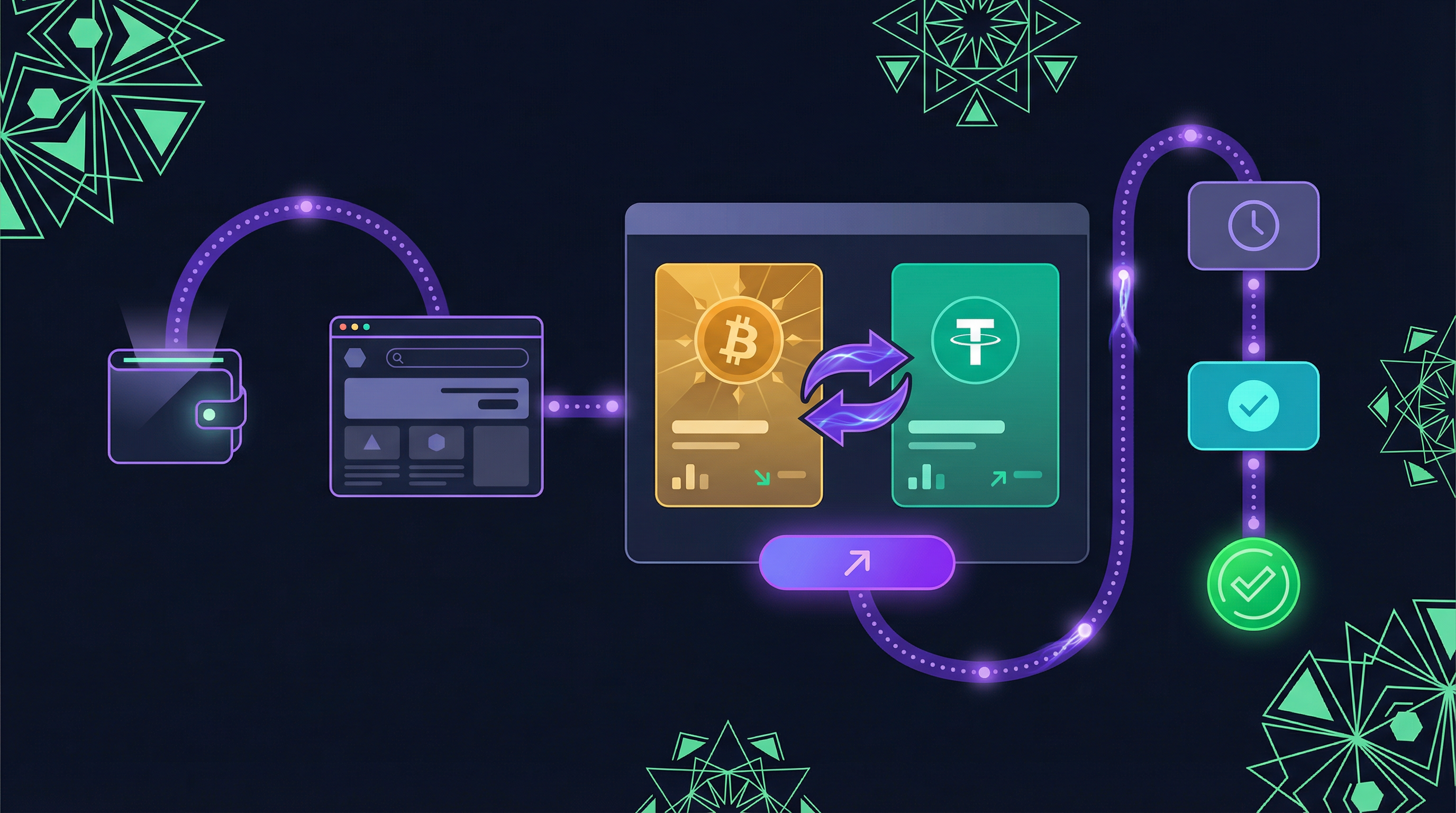
Instant Access
Start trading immediately from any modern browser - no downloads required
Wallet Integration
Connect popular Bitcoin wallets like Alby, Xverse, BitMask, or Rate
Real-Time Quotes
Live price updates via WebSocket for accurate trading
Order-Based Swaps
Create swap orders, pay, and receive assets via a taker-maker model
Key Features
Order-Based Trading
KaleidoSwap uses a taker-maker model for swaps. You create an order, pay the deposit, and the maker executes the swap by sending the asset to your recipient address. This is not an atomic swap — you pay first and then wait for the maker to fulfill your order.In this phase, swaps are not atomic. After you pay, the maker processes your order and sends the swapped asset to the recipient address you provided.
Multi-Wallet Support
Connect your preferred Bitcoin wallet:- Alby - Lightning-native browser wallet
- Xverse - Bitcoin Web3 wallet
- BitMask - RGB & Lightning wallet
- Rate - Bitcoin Layer 2 extension with built-in RGB support
Protocol Support
Trade across different protocols and layers:- RGB on Lightning - Instant RGB asset swaps
- RGB On-chain - On-chain RGB settlements
- Bitcoin Lightning - Native BTC swaps
Real-Time Market Data
- Live quotes with automatic refresh
- USD price equivalents
- Fee estimation before order creation
- Min/max amount validation
Interface Overview
The trading interface provides:- From Card - Select the asset you want to swap from
- To Card - Select the asset you want to receive
- Recipient Address - Enter the address where you want to receive the swapped asset
- Network Selection - Choose the protocol layer
- Quote Display - Real-time exchange rate and fees
- Swap Button - Create the swap order
Comparison with Desktop App
| Feature | Web App | Desktop App |
|---|---|---|
| Access | Browser-based | Download required |
| Node | Remote connection | Self-hosted or remote |
| Wallet | External wallets | Built-in wallet |
| Advanced Features | Trading focused | Full node management |
| Best For | Quick trades | Power users |
Get Started
Connect Wallet
Set up your wallet to start trading
How to Trade
Learn how to create and manage swap orders
Browser Requirements
| Browser | Minimum Version |
|---|---|
| Chrome/Chromium | 90+ |
| Firefox | 88+ |
| Safari | 14+ |
| Edge | 90+ |
For the best experience, ensure you have a supported wallet extension installed before accessing the web app.
Security
- Non-custodial - You control your keys
- Order-based model - You pay first, then the maker fulfills the order. In this phase, swaps rely on the maker to send the asset after receiving your payment.
- No account needed - Just connect your wallet
- SSL encrypted - All connections are secure
- Transparent tracking - Monitor every order in real time on the order page