

Application Settings
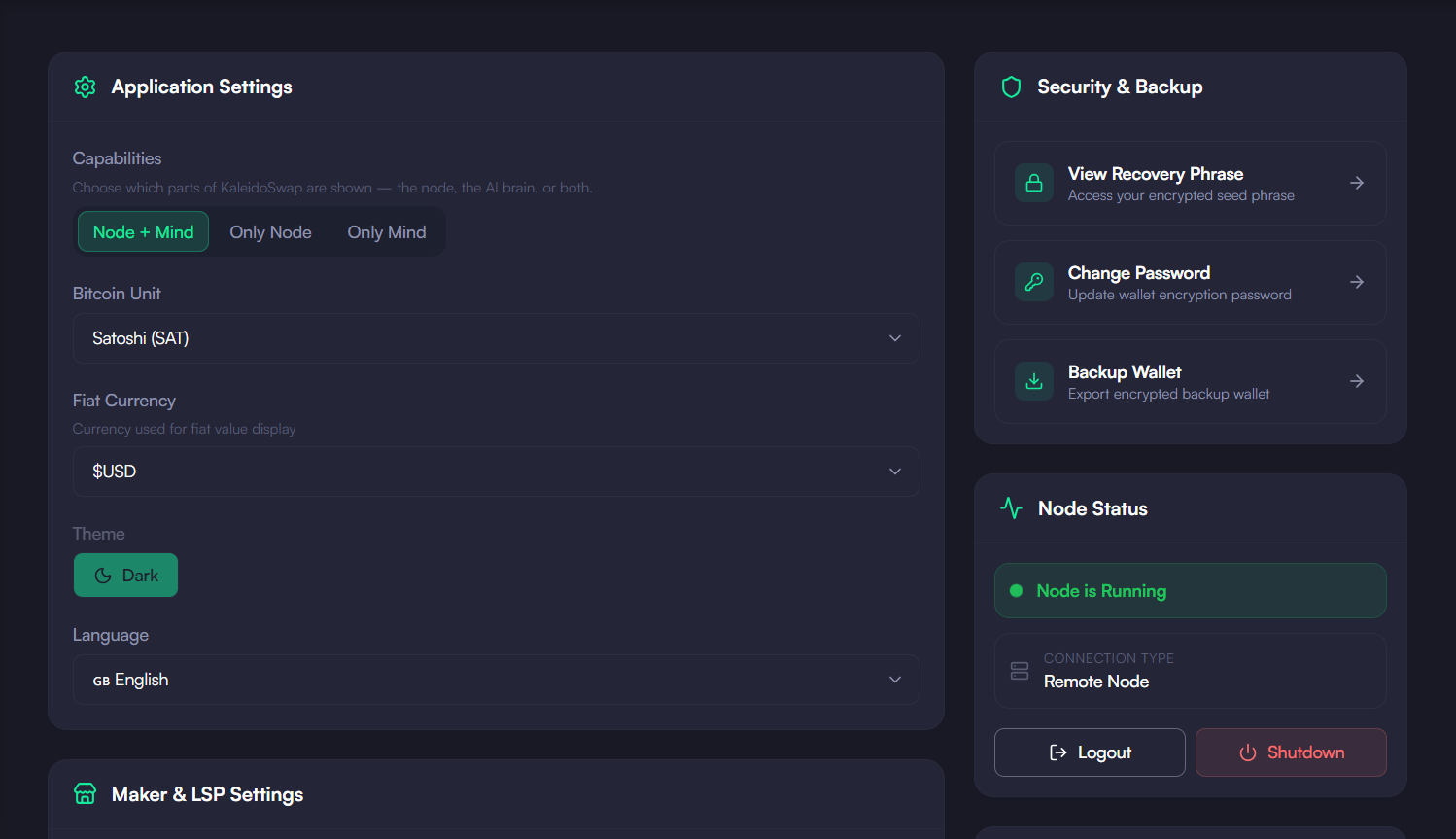
Capabilities (App Mode)
What it does: Chooses which parts of KaleidoSwap are shown:- Node + Mind — run the wallet/node and the local AI brain (KaleidoMind) together
- Only Node — just the RGB Lightning node, channels and swaps
- Only Mind — just the local AI brain, no node required
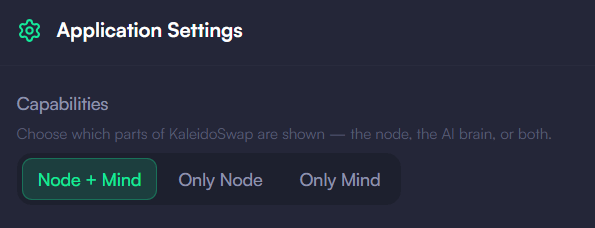
Bitcoin Unit
What it does: Controls how Bitcoin amounts are displayed throughout the app.- Satoshi (SAT) — displays amounts as satoshis, the smallest unit (e.g., 100,000 sats)
- Bitcoin (BTC) — displays amounts as decimal Bitcoin (e.g., 0.001 BTC)
Fiat Currency
What it does: Sets the fiat currency used to display the estimated value of your balances and swaps.Language
What it does: Sets the display language of the app. Several languages are available in the dropdown.Theme
Dark mode is the only supported theme. Light mode was disabled to avoid inconsistent rendering across screens, so Settings has no theme switch and the app ignores your operating system’s preference.Maker & LSP Settings
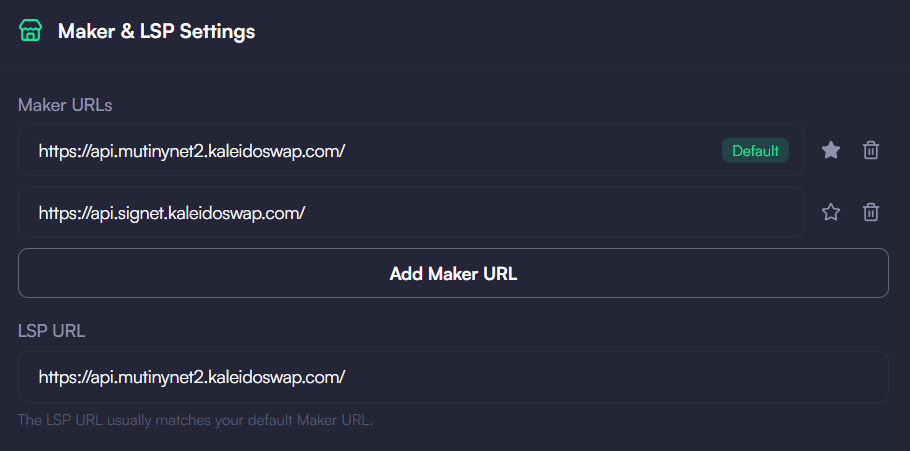
Maker URLs
What it does: Manages the list of market maker endpoints the app can connect to for quotes and swaps. You can add multiple makers, remove them, and mark one as the default (star icon).LSP URL
What it does: Sets the URL of the Lightning Service Provider your node connects to for channel liquidity and swap routing. This usually matches your default Maker URL. When to change it: The default is pre-configured and works for most users. You may want to change it if you run your own LSP, your preferred LSP has a different URL, or the default is unreachable.Node Connection Settings
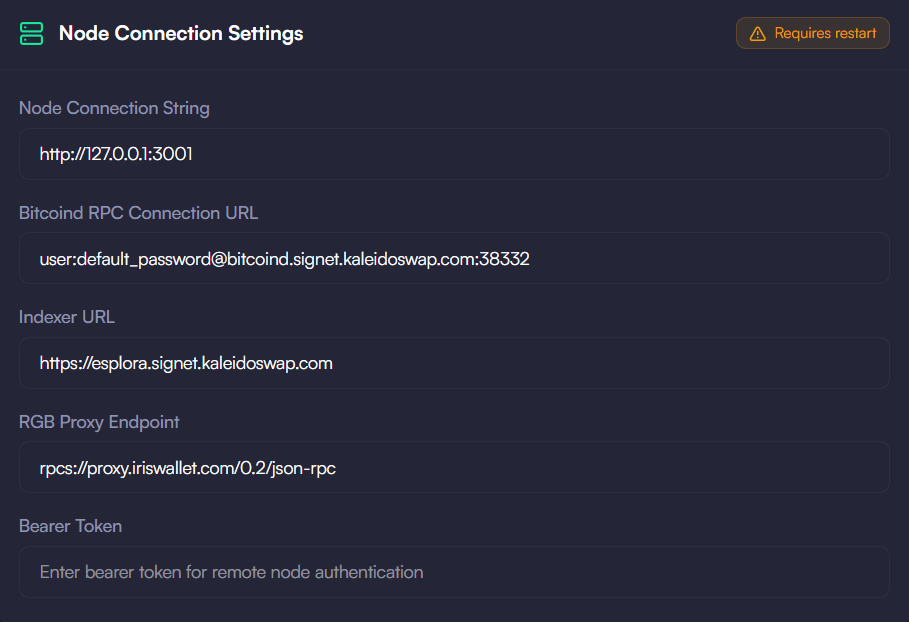
These settings require a node restart to take effect. After saving, the app will prompt you to Restart Node so the new connection settings are applied.
Node Connection String
What it does: Specifies the RGB Lightning Node (RLN) that the app connects to for all wallet, channel, and payment operations (e.g.http://localhost:3001).
When to change it: By default the app manages a built-in local node. Change this if you are connecting to a remote or self-hosted RGB Lightning Node, or switching between node instances.
Bitcoin RPC
What it does: The Bitcoin Core RPC connection string the node uses to reach its bitcoind backend.Indexer URL
What it does: The Electrum/Esplora indexer the node uses to query the blockchain.RGB Proxy Endpoint
What it does: The RGB proxy endpoint used for exchanging RGB transfer data.Changing any node connection setting will reconnect the app to a different node or backend. Make sure the target node and services are running and accessible before saving, then restart the node when prompted.
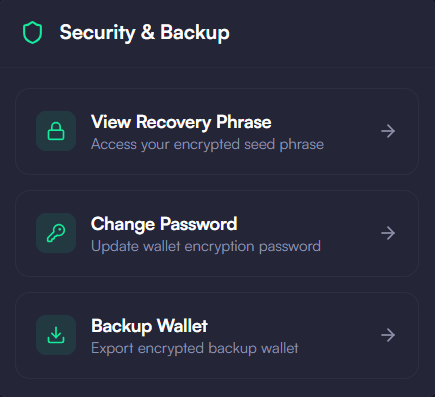
Security & Backup
The Security & Backup panel provides:- View Recovery Phrase — reveal your wallet’s mnemonic seed phrase
- Change Password — update the wallet encryption password
- Backup — create an encrypted backup of your channel state. See the Channel Backups page for full instructions.
Node Status
Shows whether the node is running or offline and whether it is a local or remote node. From here you can Logout (locks the node) or Shutdown the node. For local nodes, live node logs are also shown at the bottom of the Settings page.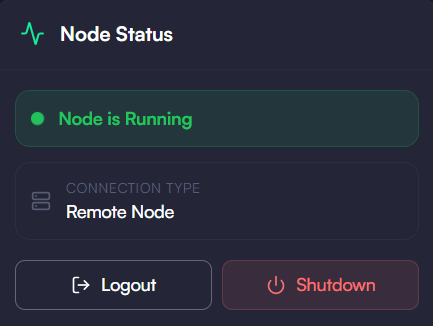
Download the Desktop App
Get the latest KaleidoSwap Desktop App release for macOS, Windows, or Linux.