

Prerequisites
- A USDT Lightning channel — the order spends from, or receives into, a ready channel that holds USDT. See Buy a Channel.
- Enough balance for the asset you pay with, in your Lightning channels.
Placing a Limit Order
1
Open Limit Orders
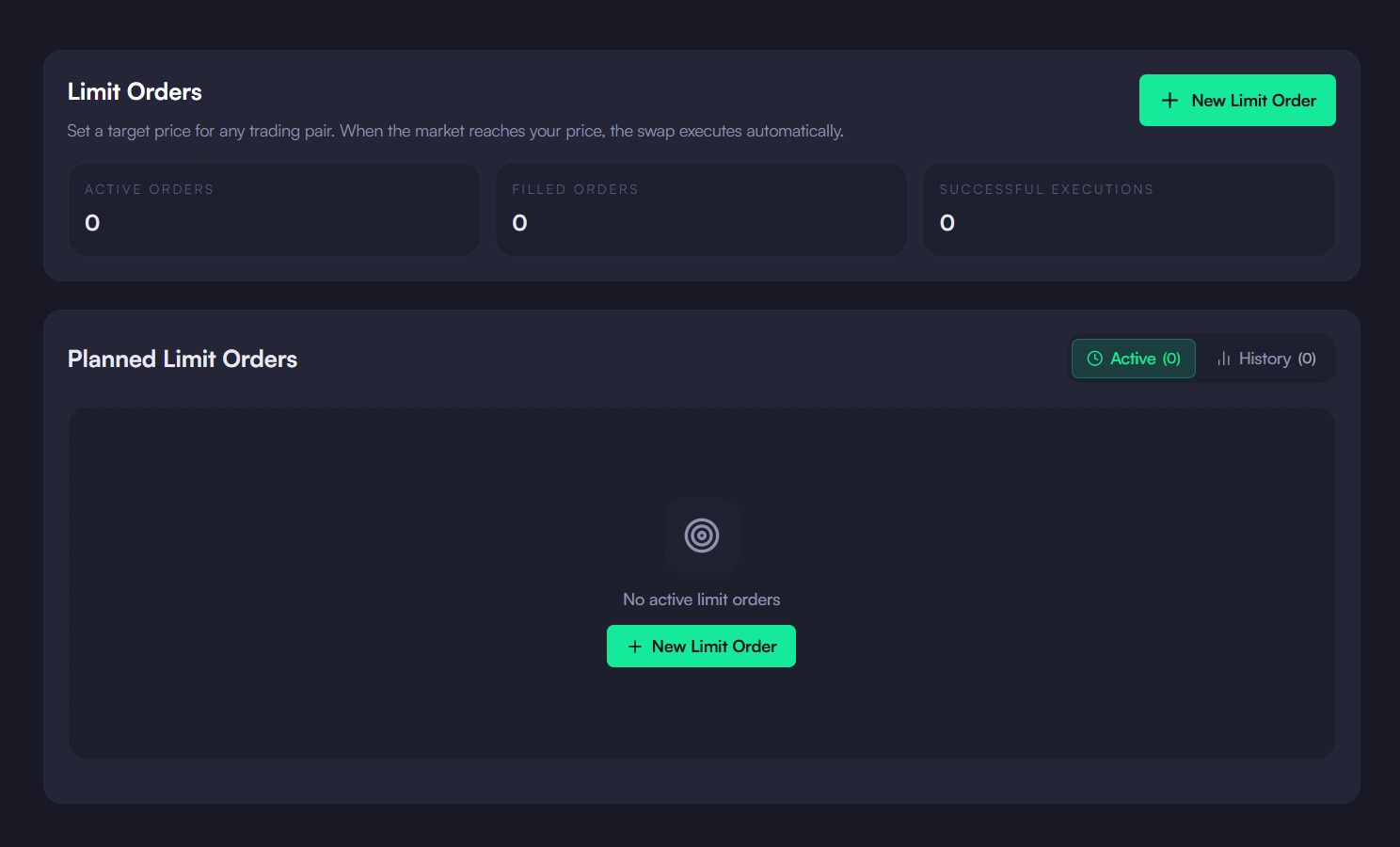
In the sidebar, open Trading and select Limit Orders, then click New Limit Order.
2
Choose what you pay and receive
The side follows the direction: paying with BTC is a sell, paying with USDT is a buy. Use the swap-arrows button to flip it. Enter the amount you pay; the amount you receive is estimated from your limit price.
3
Set the limit price
Enter the price in USDT per BTC, or click the market price to start from it. A buy fills when the market is at or below your price; a sell when it is at or above it. If the price would fill immediately, the form warns you.
4
Pick an expiration and place the order
Choose 1h, 4h, 24h, 1w, 30d or Never, then click Place Limit Order.
When the Order Fills
While the app is open and your node is unlocked, it checks the maker’s price for each active order about every 20 seconds. When the price crosses your limit, it requests a quote, initializes the swap, whitelists it on your node and executes it, showing each step in a toast. A filled order moves to the History tab with its execution price. Expand Execution History on the card to see each attempt.An execution is rejected if the quoted price is more than 3% worse than your limit. A failed attempt keeps the order active, so it is retried at the next check; orders that fail for insufficient balance are paused.