

Prerequisites
Before you can swap, make sure you have:- A funded wallet — You need a balance of the asset you want to swap. See Deposits.
- An open channel — The channel must have sufficient capacity for the swap amount, and it must include the RGB asset you want to trade. See Opening Channels or Buy a Channel.
Performing an Asset Swap
1
Navigate to Trading
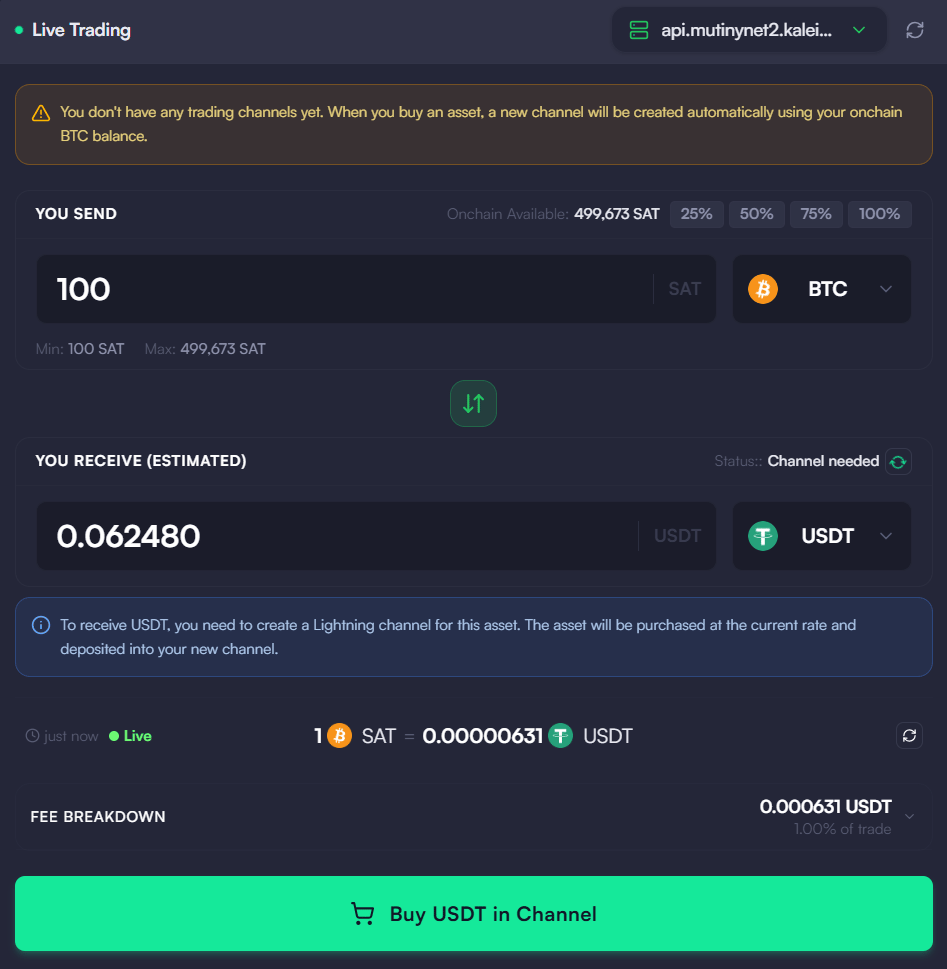
Click on the “Trading” tab in the left sidebar. Select the “Market Maker” tab to start.
2
Select assets
Choose the asset you have (e.g. BTC) and the asset you want to receive (e.g. USDT).
3
Enter amount
Specify the amount of the asset you wish to swap. The app will show you the estimated amount you’ll receive based on the current exchange rate.
4
Review and confirm
Check the exchange rate and any fees. Click “Swap” to execute the transaction.
5
Wait for confirmation
The swap executes atomically over the Lightning Network. Once complete, you’ll see a success confirmation.
Trading Modes
The Trading section groups several ways to trade, each on its own tab:- Market Maker — Trade against a connected market maker’s live quotes. Swaps execute atomically at the maker’s current rate. This is the default and the flow described above.
- Manual Swaps — Request and confirm individual swaps yourself, choosing the maker and reviewing each quote before executing.
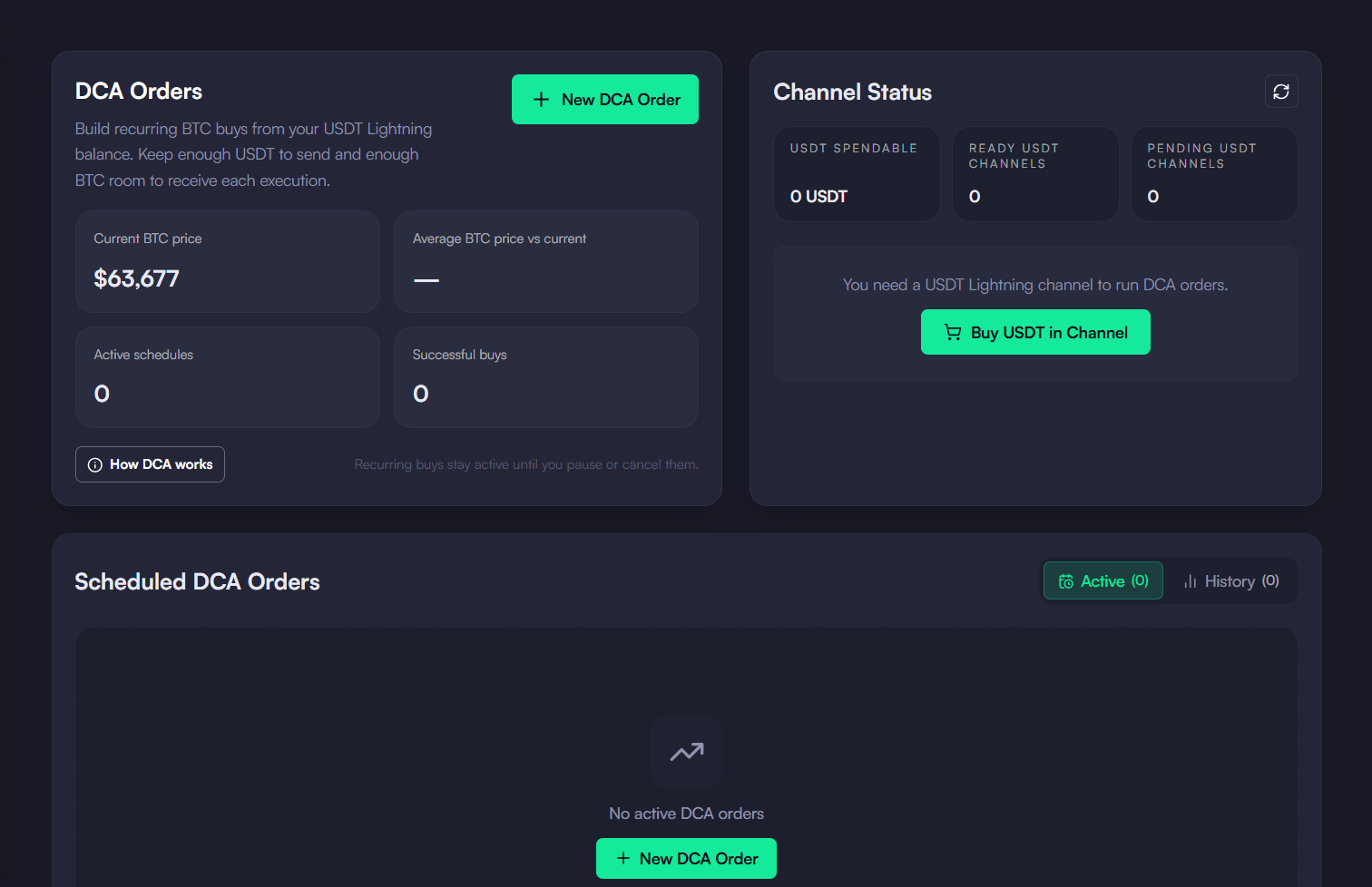
- DCA — Automate BTC accumulation with fixed-interval buys or downside price triggers. Each successful execution converts a fixed amount into BTC.
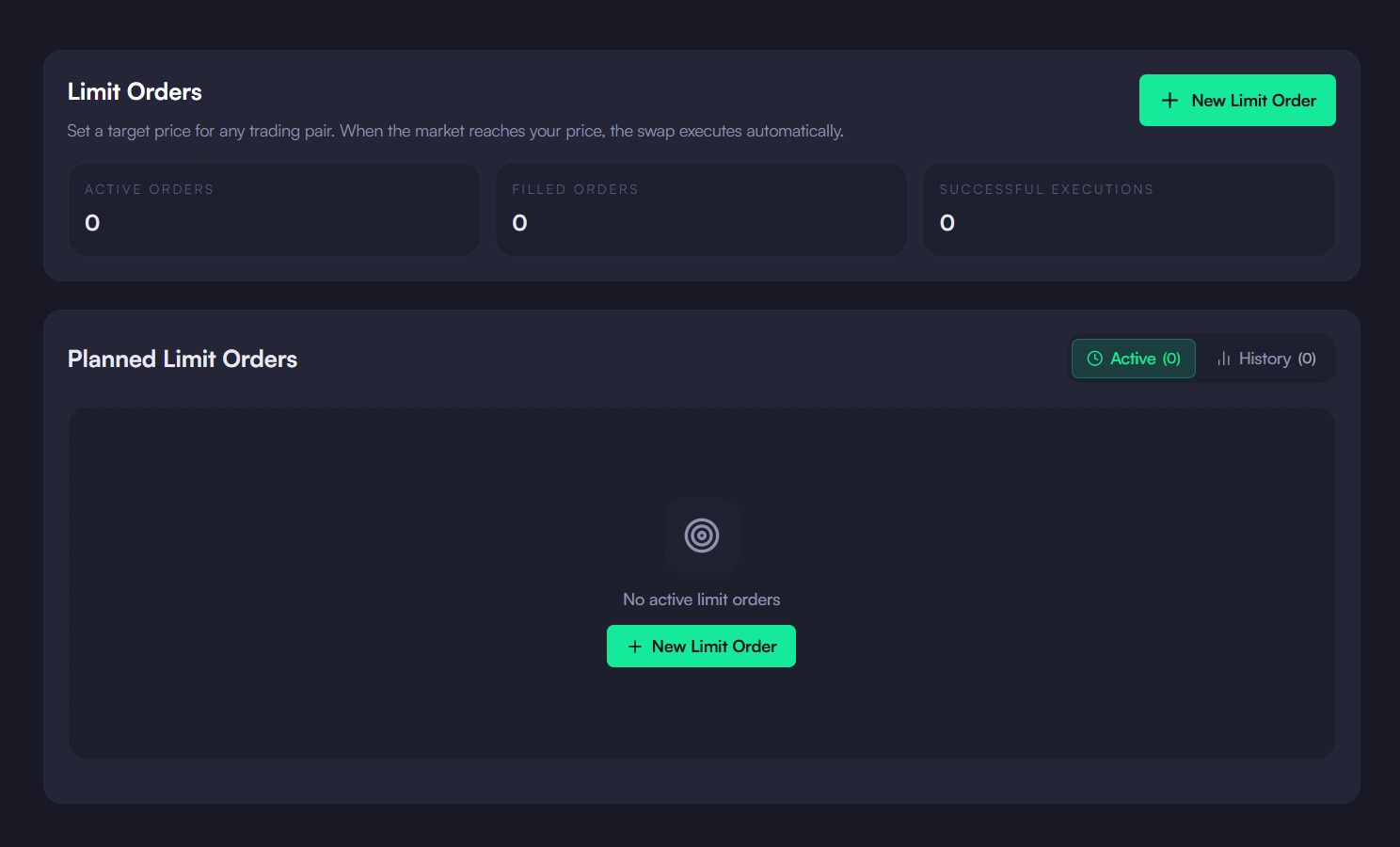
- Limit Orders — Set a target price for a trading pair; when the market reaches your price, the swap executes automatically.
- Nostr P2P (coming soon) — Peer-to-peer trading over Nostr, trading directly with other users without relying on a centralized maker.
Supported Trading Pairs
The available pairs are driven by your connected maker, so the exact list varies. At the time of writing, the default KaleidoSwap maker offers pairs such as:
The Available Trading Pairs panel in the app always reflects the pairs your connected maker currently supports.
Swap History
View your past swaps in the “History” tab for record-keeping and reconciliation.Troubleshooting
Swap fails with insufficient balance
Swap fails with insufficient balance
Ensure you have enough balance in the correct channel. On-chain balance alone is not sufficient — the asset must be allocated to a Lightning channel with the trading peer.
No trading pairs available
No trading pairs available
Check that your node is connected to a peer that supports the asset pair. You may need to open a channel with an LSP that provides market-making services.
Swap is stuck or pending
Swap is stuck or pending
Atomic swaps on Lightning should settle in seconds. If a swap appears stuck, check your node’s connection status in Settings. Restarting the app may help if the connection was interrupted.
Download the Desktop App
Get the latest KaleidoSwap Desktop App release for macOS, Windows, or Linux.