

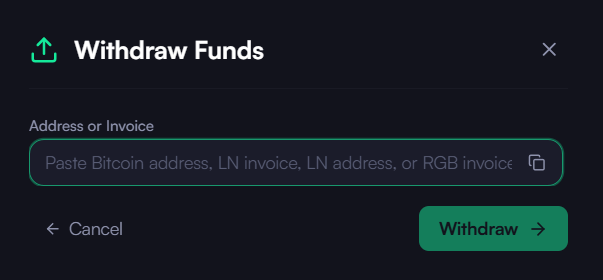
- Open Withdraw: Click the “Withdraw” quick action button in the left sidebar (also available from the Quick Actions menu). This opens the Withdraw modal.
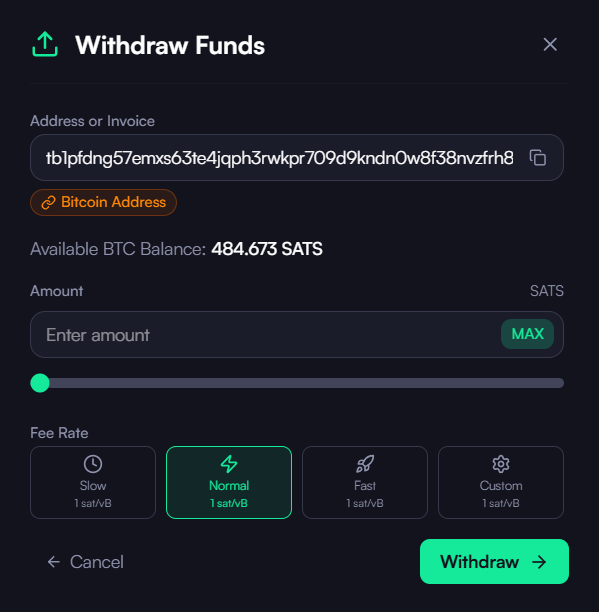
- Withdrawal Method: The withdrawal method is selected automatically when you paste a Bitcoin on-chain address, a Lightning invoice / address, or an RGB invoice.
- Enter Amount: Specify the amount of Bitcoin or RGB asset to be withdrawn.
- Fee Rate: slow, normal or fast for on-chain transaction.
- Review Transaction: Double-check the details.
- Confirm and Send: Click “Withdraw” to initiate the transaction.
Download the Desktop App
Get the latest KaleidoSwap Desktop App release for macOS, Windows, or Linux.